
No bot joins the call
Be present for the session. Let the note write itself after.
An AI scribe built for talk therapy. It listens quietly in the background of the session you're already having, then turns the conversation into a complete clinical note in the format you use: DAP, BIRP, SOAP, or your own.
Flat monthly price, not per session. No EHR setup required to start.

In collaboration with
What therapists say
“I actually looked at my client instead of my notepad. The note was waiting for me when the session ended, not the other way around.”
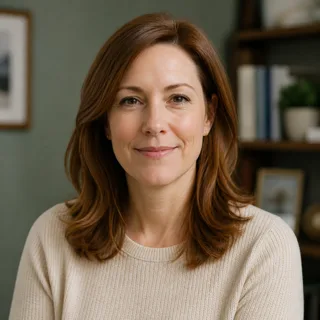
Dana R.
LMFT, private practice
“Charting used to eat my evenings. Now I close my laptop when the last client leaves, not two hours after.”
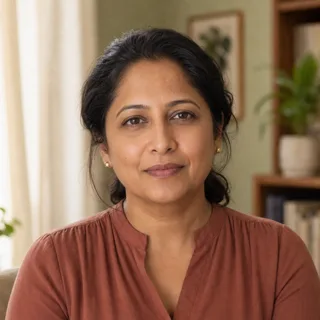
Priya M.
LCSW, group practice owner
“My clients never notice anything different in the room. That mattered more to me than any feature list.”

Marcus T.
LPC, telehealth practice
Why this exists
Charting shouldn’t be the reason your evenings disappear.
Therapists don’t need another participant on the call. They need the hour after the session back. The app turns the conversation into a note; you stay the one deciding what it says.
- Nothing joins the call or appears to your client
- Draft follows your note structure, not a generic template
- You review and edit before anything is saved

How it works
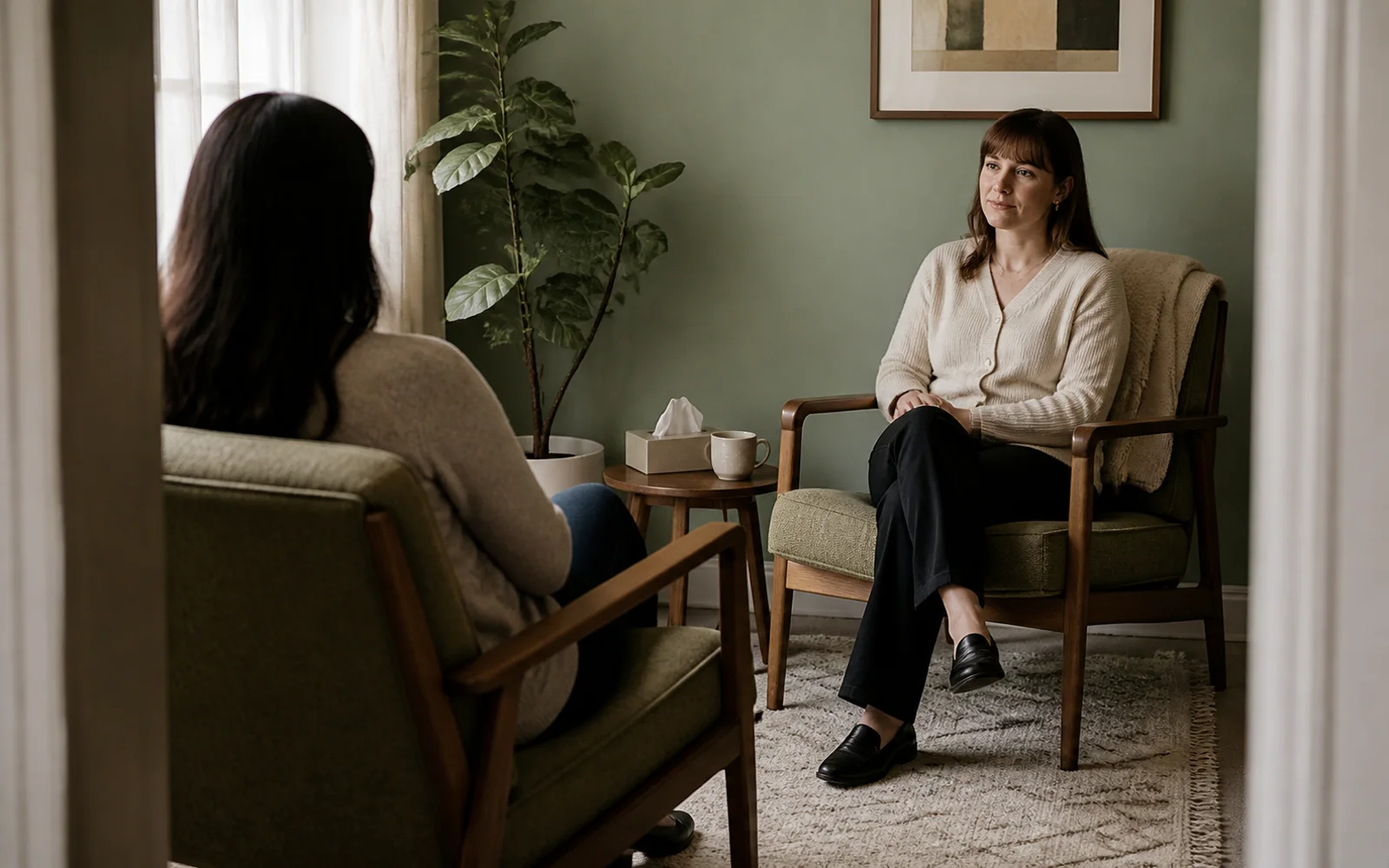
A whole session, without a second person in the room.
Before the session
Every client carries their own history. A short summary of where things left off is ready before you say hello.
During the session
Start the session and forget it's there. It listens in the background, with no bot on the call and nothing visible to your client.
After the session
Seconds after you close the call, a structured draft is ready to review in the format you already chart in.
Note formats
The draft follows your structure, not the other way around.
SOAP
Subjective, Objective, Assessment, Plan: the format most group practices standardize on.
DAP
Data, Assessment, Plan: a common default for individual talk therapy notes.
BIRP
Behavior, Intervention, Response, Plan: built for treatment-plan-linked documentation.
Your own
Bring a template you already use and the draft follows its structure and headings.

Fits how you already work
In person or on a video call, it works the same way.
Zoom, Google Meet, or a client sitting across from you: the app runs on your own computer, not as a bot on the line. One app for the whole caseload, with nothing to configure per client.
- Desktop app for Mac and Windows
- Works for in-person and telehealth sessions
- No EHR integration required to get your first note
How this compares
Not a person on the call. Not a bot in the meeting either.
Documentation tools for therapists usually mean one of two things: a live scribe who joins the session, or a bot that joins your video call. This works differently.
| Live virtual scribe | Bot-based AI scribe | AI Scribe for Therapists | |
|---|---|---|---|
| No third person present in the session | |||
| Works the same in person and on video calls | |||
| Flat monthly price, not billed per session or hour | |||
| Nothing to explain or disclose as a visible participant | |||
| Session audio isn't retained after the note is drafted |
Built for client confidentiality
The trust of the therapy room isn’t optional. It’s the starting point.
No bot on the call
Nothing joins the meeting or appears in the room. The app runs from your own device.
Audio isn't kept
Audio is processed to produce the draft and is not retained once the note is generated.
Encrypted by default
Client data is encrypted in transit and at rest. A BAA is available on request.
You review before it's saved
Every draft is yours to edit or discard. Nothing is finalized without you reading it first.
Pricing
Priced like a therapist actually bills.
Per-session scribe pricing punishes a full caseload. One flat monthly price covers every session, so a busy week doesn’t cost more than a slow one.
See full pricing →- Flat monthly price, unlimited sessions
- Desktop app, ready in one click
- First note ready with no setup required
- Built for solo practices and small groups
FAQs
Frequently asked questions
Does anything join the call or appear to my client?
No. The app runs on your own computer and listens in the background of a session you're already having. There's no bot in the meeting, no visible participant, and no disclosure prompt for your client to see.
What note formats does it support?
DAP and BIRP are supported out of the box, along with SOAP. You can also bring your own template and the draft will follow its structure and headings.
What happens to the session audio afterward?
Audio is processed to generate the draft and is not retained once the note is produced. The note is the only artifact saved, and you can edit or delete it at any time.
Do I need to set up my EHR before I can use it?
No. You can sign in, run a session, and review your first draft without any EHR configuration. Copying the finished note into your existing system takes a few seconds.
Does it work for telehealth as well as in-person sessions?
Yes. It works the same way for video sessions on Zoom or Google Meet and for clients sitting across from you in the room.
How is this different from a live virtual scribe?
A virtual scribe is a person who listens in and writes the note, usually billed per session or per hour. This is software running on your own device: no third person is present in the session, and pricing is a flat monthly rate instead of per-session.
Is a Business Associate Agreement (BAA) available?
Yes, a signed BAA is available on request for practices that need one.
Not ready to try it yet?
Talk to us first.
Tell us about your practice and someone will follow up directly.